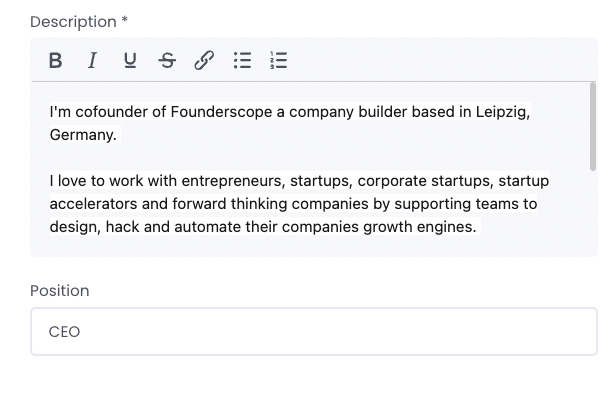
We are excited to introduce a new feature that allows you to disable the member information box in the profile settings. This makes the profile setup easier for your members by removing unnecessary fields. By eliminating unnecessary fields, the profile setup process becomes more straightforward, enhancing the user experience by tailoring the profile to better suit the needs of your platform and its users. To enable this feature, navigate to General Settings and check the box labeled "Disable member information." We believe this update will improve the user experience on your platform by providing a cleaner and more relevant profile setup process. Thank you for your continued support and feedback! For any questions or further assistance, please contact our support team.
.png)