
When creating a group, it is possible to set a discount for credits, season tickets and products. When they are subsequently sold to a user who is assigned to the given group, the system automatically pre-fills the entered discount.
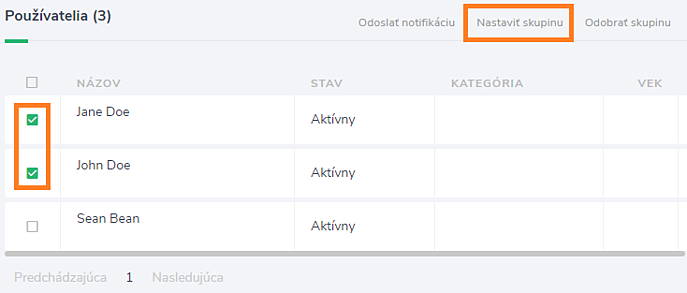
To assign users to a created group, in the Users section, select the users for whom you want to set up the created group, and after clicking the Set Group button, select the group.
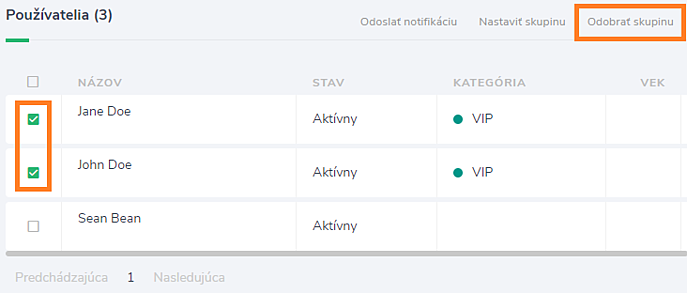
To remove users from a group, in the Users section, select the users for whom you want to remove the group and click the Remove group button.
When to use user groups?
- Groups are ideal if you have users who have discounts on your credit to buy credits, season tickets or additional products. When they are sold to a user from a given group, the system automatically pre-fills the discount.
- Users who are assigned to a certain group can be easily filtered, which helps e.g. when sending bulk notifications.
- If you have activities that only certain users can subscribe to, it is a good idea to assign them to a group and set the activity so that it is only visible to that group.