
It is possible to create a reservation for a user by clicking on the + button in the list of reservations for the given activity.
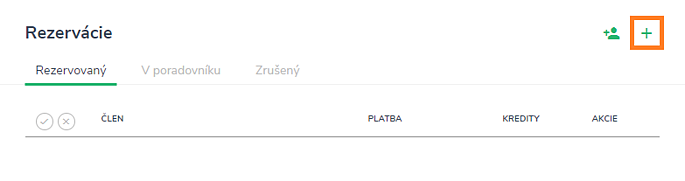
After clicking, a window will appear where you need to select the user for whom the reservation is to be created.
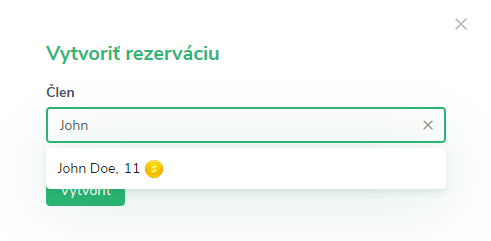
Clicking the Create button will create a reservation for the selected user, to whom the system will automatically send a reservation creation notification.
Note
Manual creation by the admin or trainer is without restrictions, which means that the system allows you to create a reservation even if the activity is full, the user does not have enough credits or the reservations are already closed.