
 ·
1 minute read
·
1 minute read
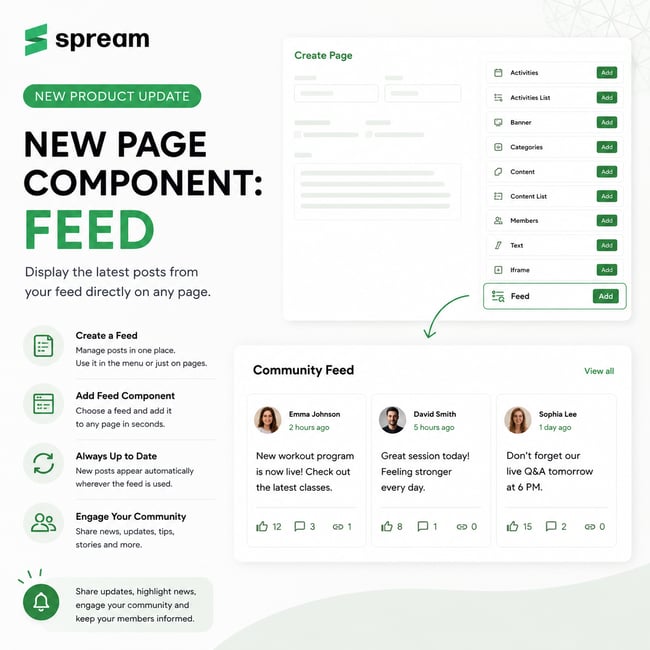
In our latest update, we have expanded the page-building capabilities by introducing a new Feed component, allowing you to display posts from a selected feed directly on any page within your platform.
Until now, page creation supported components such as Activities, Content, Categories, Text, Banner, Members, and more. The new Feed component makes it easy to connect content from the Feeds module to any page.
How It Works
The Feed component displays posts from a selected feed directly on a page. Feed content is managed centrally within the Feeds module, and any new posts are automatically displayed wherever that feed is used.
How to Set It Up
1. Create a Feed
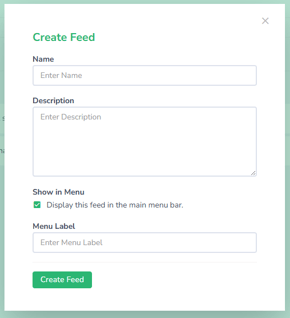
First, create a feed in the Feeds module. A feed can either be displayed in the top navigation menu for users or used exclusively as a content source for specific pages.
2. Add the Feed Component to a Page
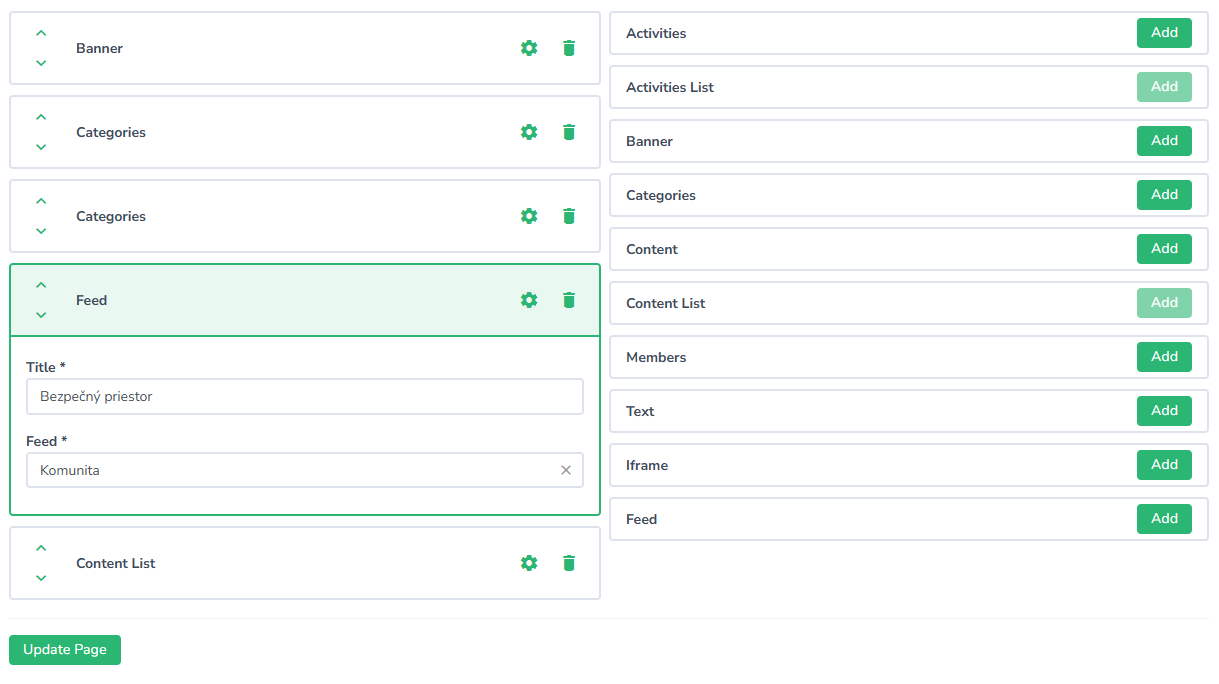
In the Pages module, create a new page or edit an existing one. From the list of available components, select Feed and choose the feed you want to display.
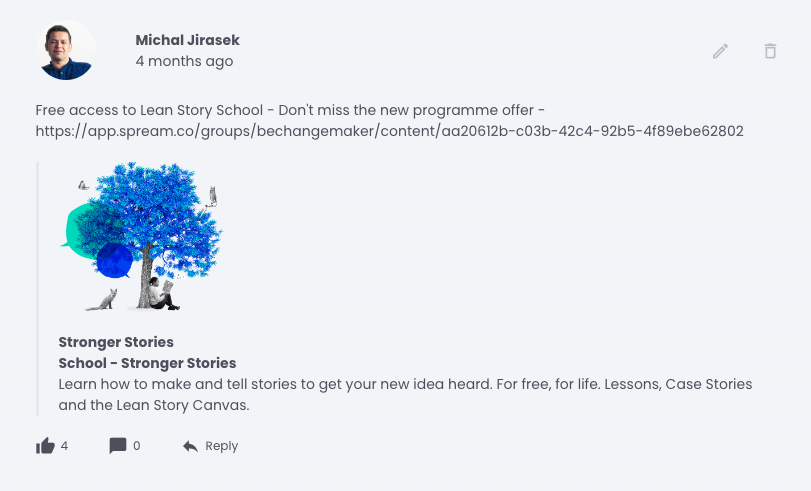
Once saved, the latest posts from the selected feed will automatically appear on the page.
Possible Use Cases
The Feed component can be used for:
- displaying news and announcements,
- sharing important updates with members,
- showing posts related to a specific program or course,
- publishing tips, recommendations, and regular updates,
- sharing messages from instructors or administrators,
- highlighting member achievements and community insights.
Summary
The new Feed component provides a simple way to display content from the Feeds module directly on any page of your platform. By managing content centrally, you can keep members informed and ensure that important updates are always visible where they matter most.
.png)
)%20(2).png)