We’ve made the entire process of accessing paid content smoother and more intuitive.
Here’s how it works now:
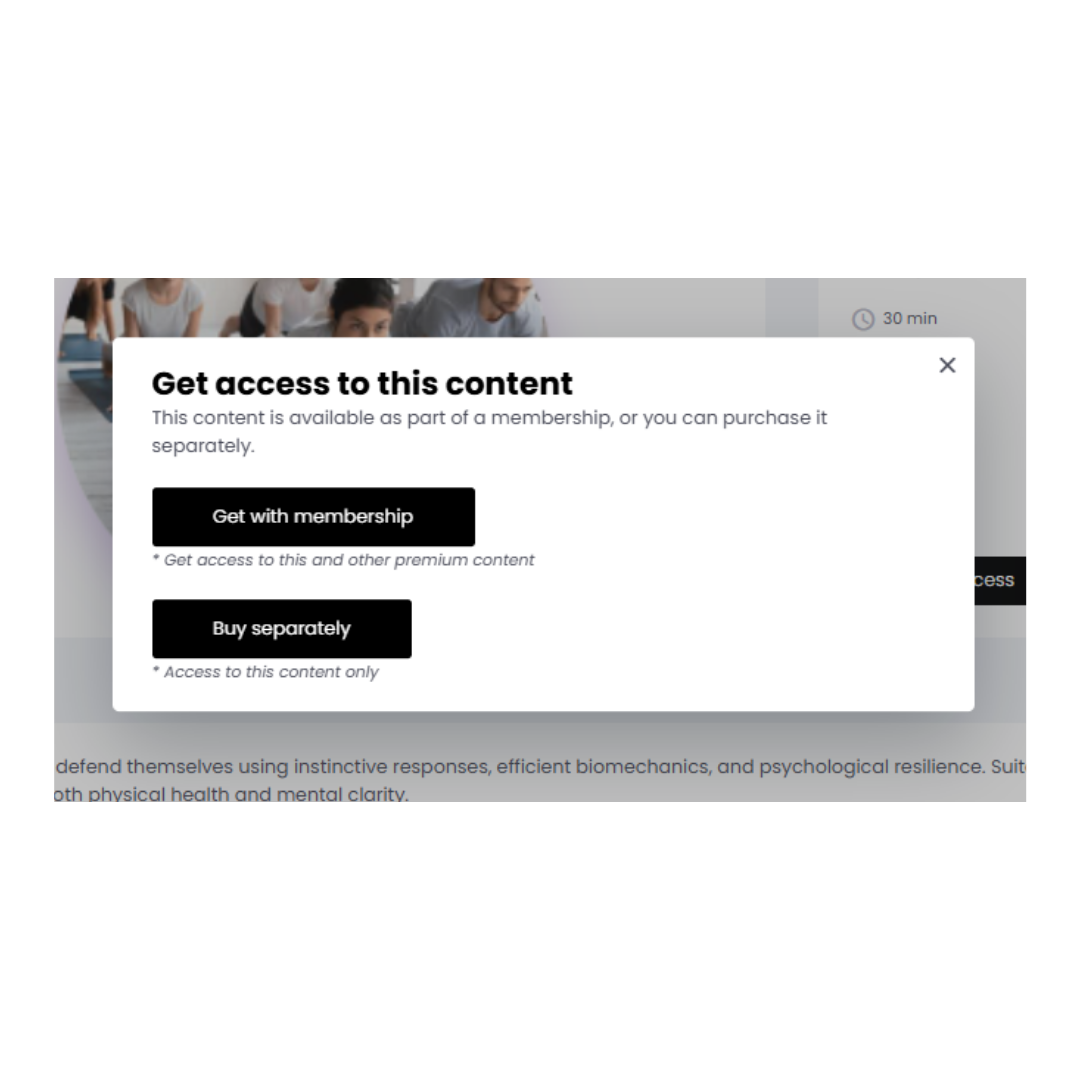
- Click “Get Access”
– on any content you haven’t unlocked yet. - Choose how you want to access it:
- Get with Membership – unlock this content and get access to other premium materials included in your plan.
- Buy Separately – purchase just this one piece of content as a single item.
- Simple Payment Options
- If you choose Buy Separately, you’ll be taken directly to the payment gateway.
- If you choose Membership, you’ll see available membership plans and then complete the payment — either by credit card or using your purchased credits.
New in Subscription Settings
We’ve also improved how you present your memberships.
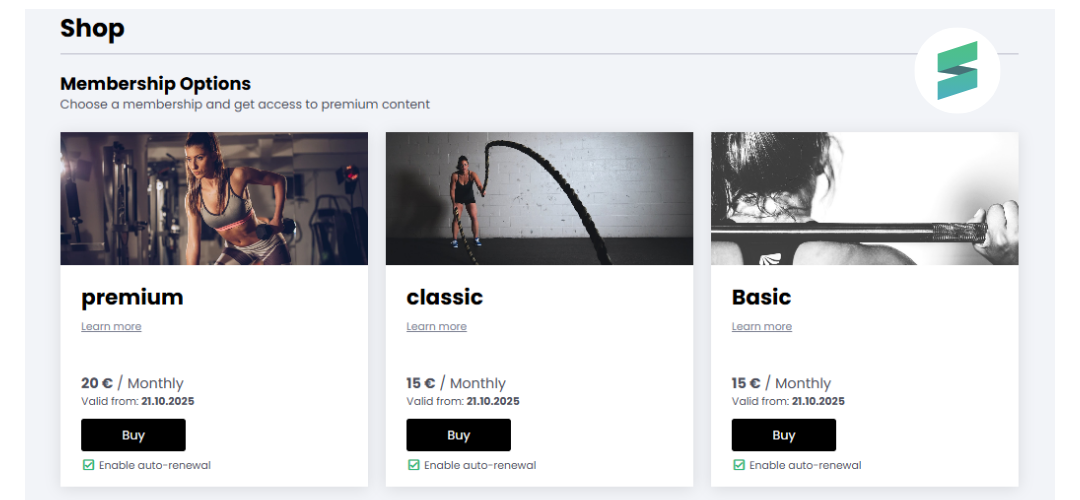
You can now add a custom image to each subscription plan to make your offer more visually appealing.
If you don’t upload an image, your default logo will be used automatically.
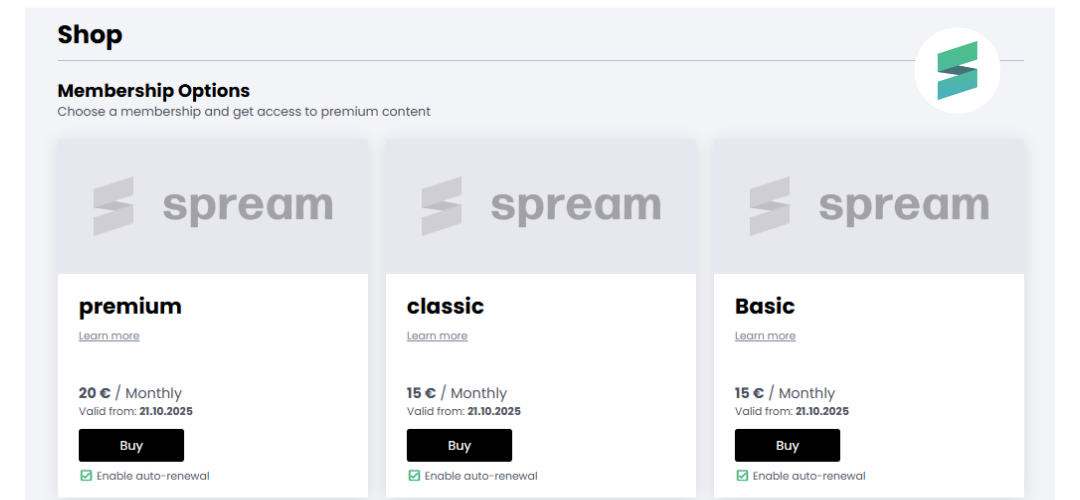
Membership now include images.
Why it’s better
- Faster access to content with fewer steps.
- A clear choice between one-time purchase and membership.
- More flexibility in how your subscriptions look and feel.
- Clean, modern, and easy-to-navigate design.
This update makes buying and accessing premium content on SPREAM even simpler, smarter, and more enjoyable — just as a modern platform should be.
.jpg)